Crew planning.
Running a theatre with a small group of regulars? Or preparing a large festival with a big group of volunteers? Gather your crew’s availability and schedule their shifts easily in Stager! Less time puzzling, and more time putting on great events.
Gather availability information
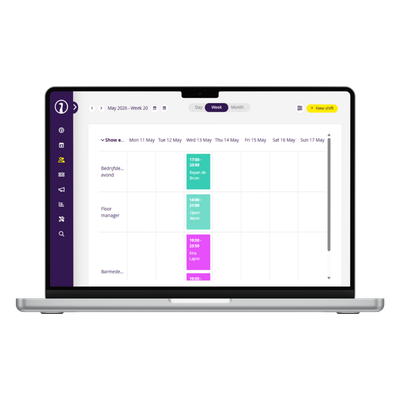
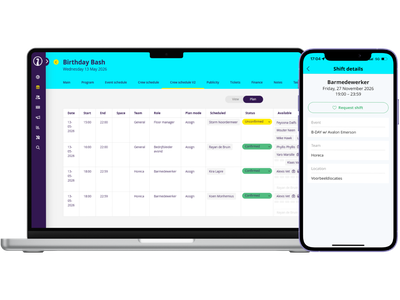
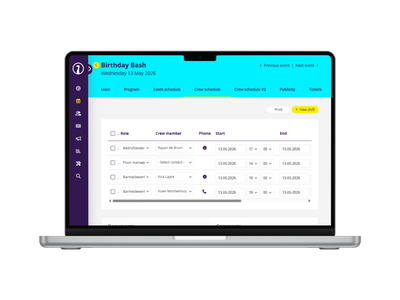
Schedule your staff the way it works for you. You can choose who works which shift, but you can also check the availability of your staff, let them claim open shifts, and put together a schedule that leaves everyone happy.

Know your teams
Stager is also the home for all your important crew information. Group your crew into teams, like catering, production, security, and assign skills and roles to them. This makes scheduling the right people to the right shift easy. You can also save crew preferences like allergies or t-shirt size, and easily view the contract details, hours worked and more!
Simple for your crew
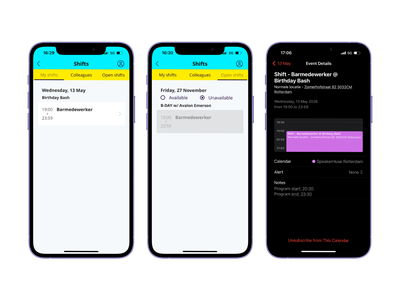
Your crew members can easily use the Stager mobile app to indicate their availability, claim shifts, and view their upcoming shifts. They’ll receive notifications for when they have a new shift, and their shifts can automatically go into their calendar. No excuses for no-shows anymore!
Keep a clear overview
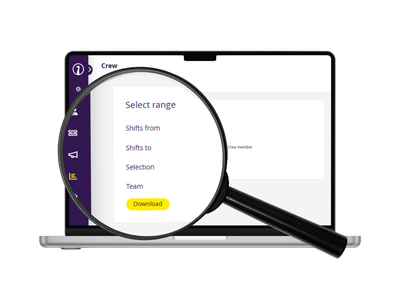
When it’s payroll time, you can rely on Stager to give you the exact information you need. Create reports with hour overviews per person, per team or per period. Import them as CSV. files into your spreadsheets, and stay on top of your bookkeeping without hassle.